Moving from HomeMoney
A HomeMoney alternative that takes your whole history with you
For years, HomeMoney was how many Ukrainian families kept their budget. If you're looking for somewhere new, the scary part is losing your history: years of entries, categories and accounts. YABA brings it over in a few minutes, so you carry on where you left off.
Why people look for something new
Everyone has their own reasons. In my years of keeping our family budget, I missed three things most: bank payments that arrive by themselves, both of us seeing the same thing live, and an app that tells you where the month is heading as well as where it went. I built YABA for exactly that.
What stays the same
- Accounts, categories, several currencies. Each account has its own currency, converted to your base currency at the NBU rate of the day.
- A monthly plan. A limit per category; the month can start on payday.
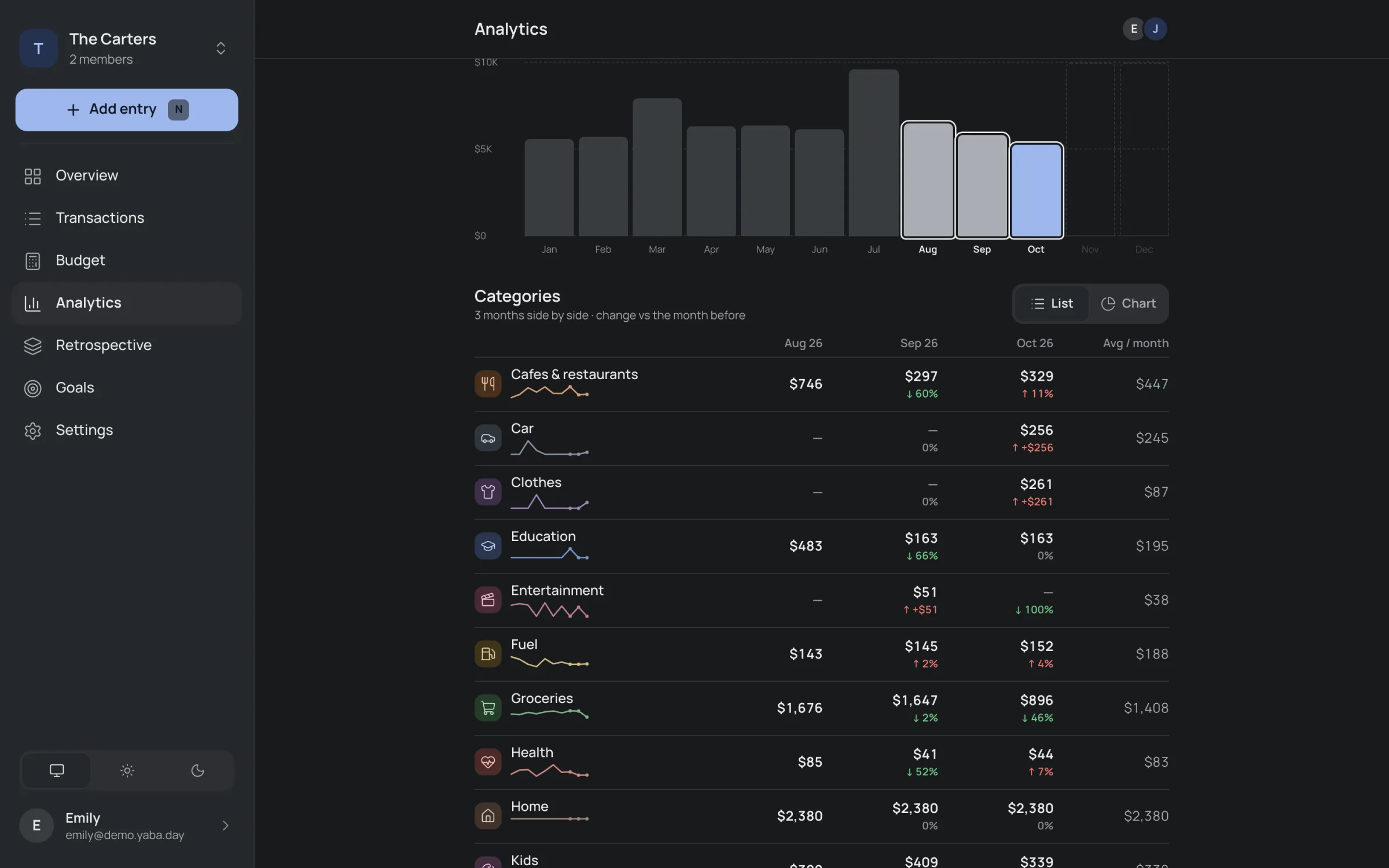
- Reports. Any months side by side, with the change and a trend per category.
- Phone and computer. The same budget on both, with a big screen for analytics.
 YABA
YABA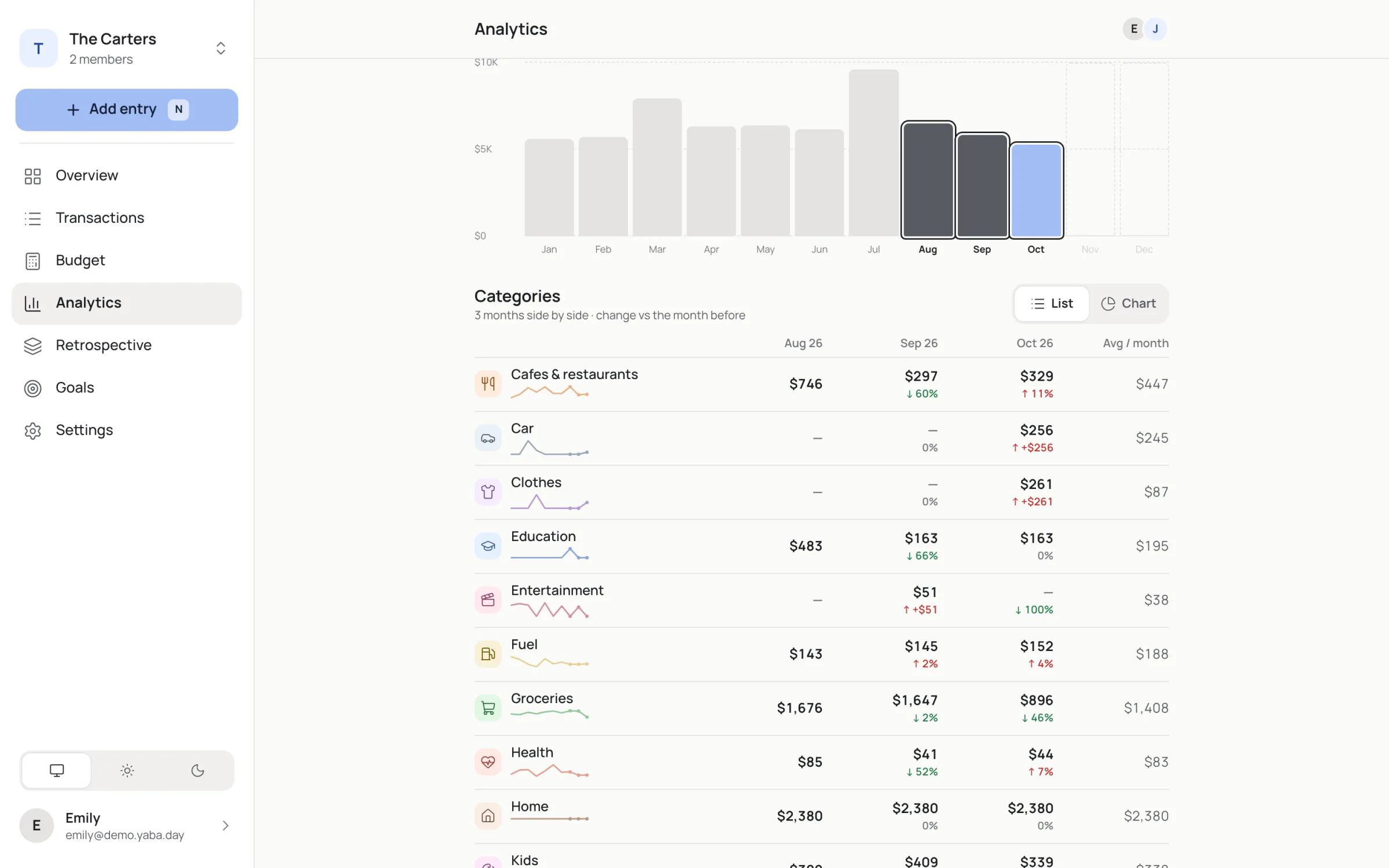
What's different
- Monobank logs for you. Card payments arrive within seconds, already with a category. More: Monobank budget app.
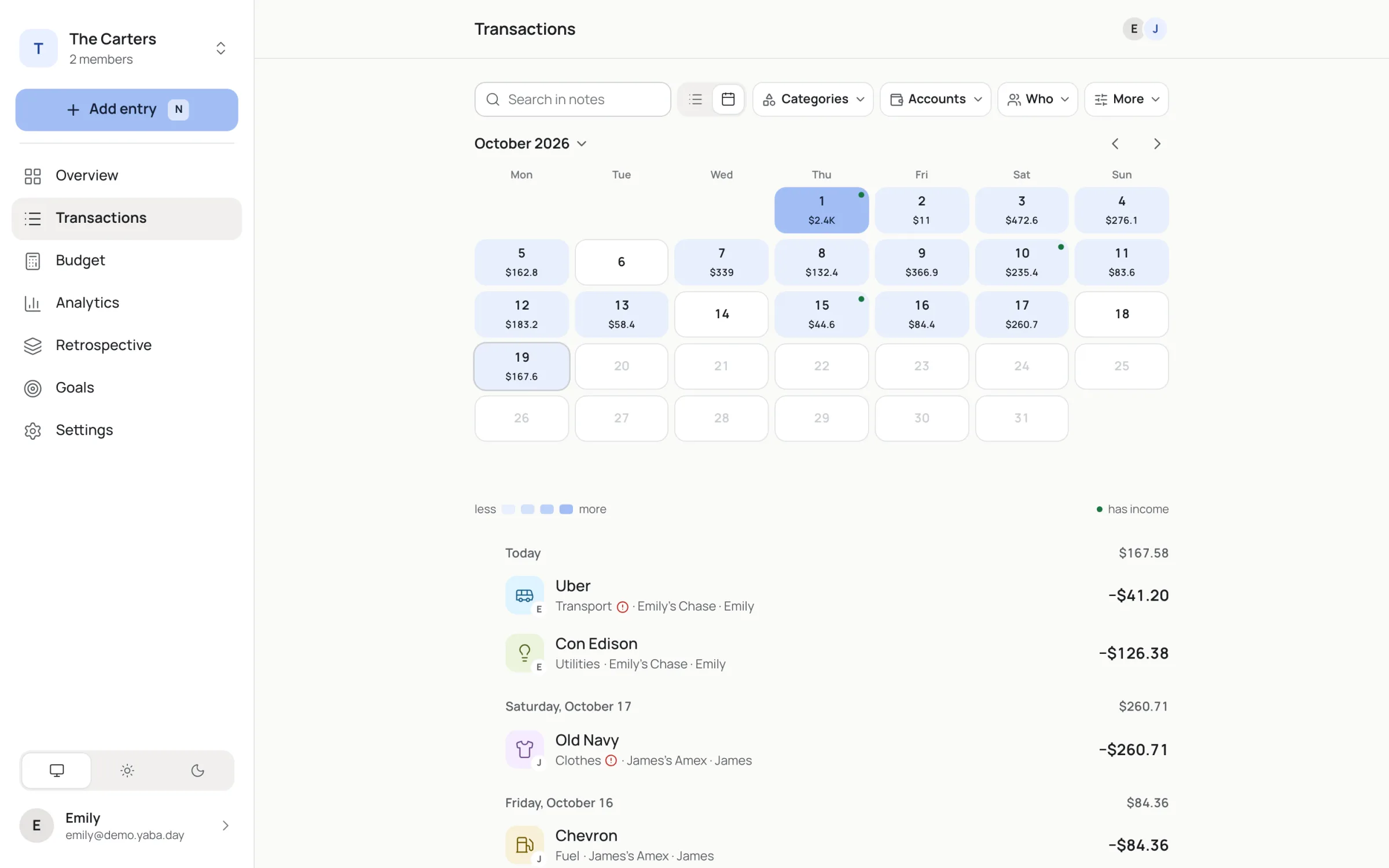
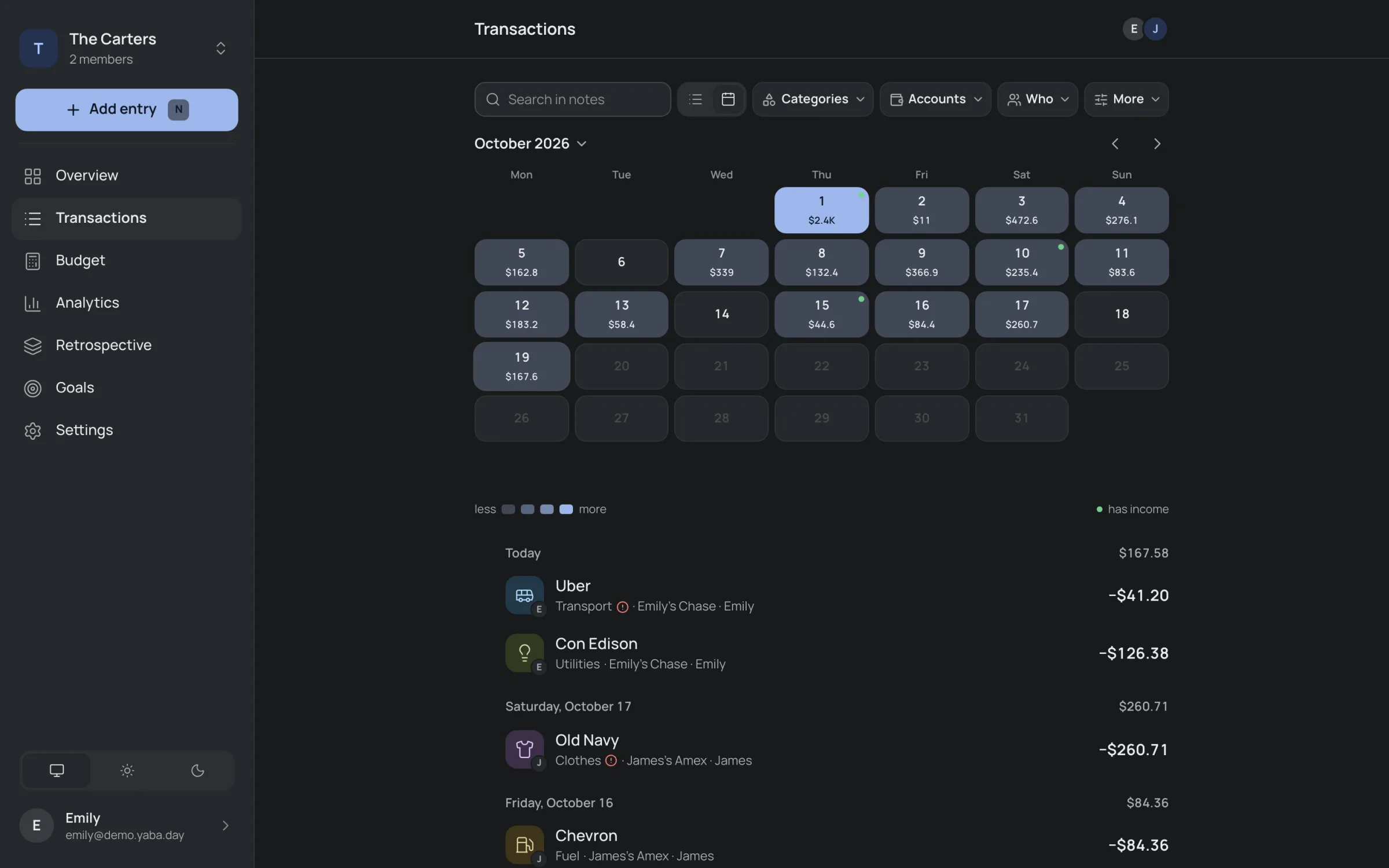
- One live budget for two. Your partner joins with a link; the feed shows who added what.
- A forecast as well as a report. Regular bills sit on their days, so an overshoot shows on the 12th. A morning email arrives only when a category runs over plan.
- Quick entries. Type a note and YABA picks the category, from your history or with AI that sees only the note.
- Works offline. Installs from the browser to your home screen; offline entries sync later.
How to move your history
- In HomeMoney, save an export of your data as CSV.
- In YABA, open Settings → Import from CSV and pick the file.
- The file is read on your device. YABA shows how many entries and transfers it found and for which period, and you match each account and category in the file to one of yours or create a new one.
- Entries upload in parts and show up in the feed right away. Something looks off? Undo the import and all its entries are gone.
Imported entries don't count toward the free plan's limit, so years of history move over for free.
What YABA doesn't have yet
To be fair: YABA is young. Only Monobank syncs automatically for now; other banks will follow once Ukraine's open banking opens to apps. There's no App Store or Google Play app: YABA installs from the browser and works like any other app. You can see what changes in the release notes.
Try it before you move
Look around the demo with a made-up family, no sign-up, then start free. New families get 30 days of Plus with no card, then ₴199 a month or the free plan.
Questions
What people ask before they start.
Will my categories and accounts come over?
Yes. You match each account and category in your HomeMoney file to one in YABA or create a new one, and entries are filed under them.
Does anyone see my file?
It's read in your browser. Only the transactions reach the server, where they live in your family's own database in the EU.
Can I undo an import?
Yes: every entry from that import is removed together.
How much is YABA?
The free plan has every feature, with up to 100 entries a month, 4 accounts and 1 goal. Plus has no limits for ₴199 a month or ₴1,990 a year for the whole family.